Establish individual priorities
Bring existing assessments, family priorities and educational observations into an individualized plan. Agree measurable goals, responsibilities and review dates with your team.
SPECIAL EDUCATION CLINICS · USA
Connect individualized learning goals, clinic sessions and progress reporting. SENBOX brings your LMS, UDL/AAC learning app, educational resources and team tools together for US special education clinics, with information flowing between planning and everyday support.
See how the SENBOX framework connects planning, teaching and progress reporting.
For US special education clinics and multidisciplinary practices supporting communication, learning, daily living skills and independence.
Bring existing assessments, family priorities and educational observations into an individualized plan. Agree measurable goals, responsibilities and review dates with your team.
Link learning activities, AAC support and resources to goals. Educators and specialists can record responses, assistance levels and observations across sessions.
Bring recorded evidence into progress conversations. Coordinate home practice and school collaboration with the family’s permission, then adjust the next steps.
Clinic plans support your team’s work. School IEPs remain separate school documents. Confirm your clinic’s required workflows and current feature availability during a demonstration.
Explore the clinic programTHE SENBOX DIFFERENCE
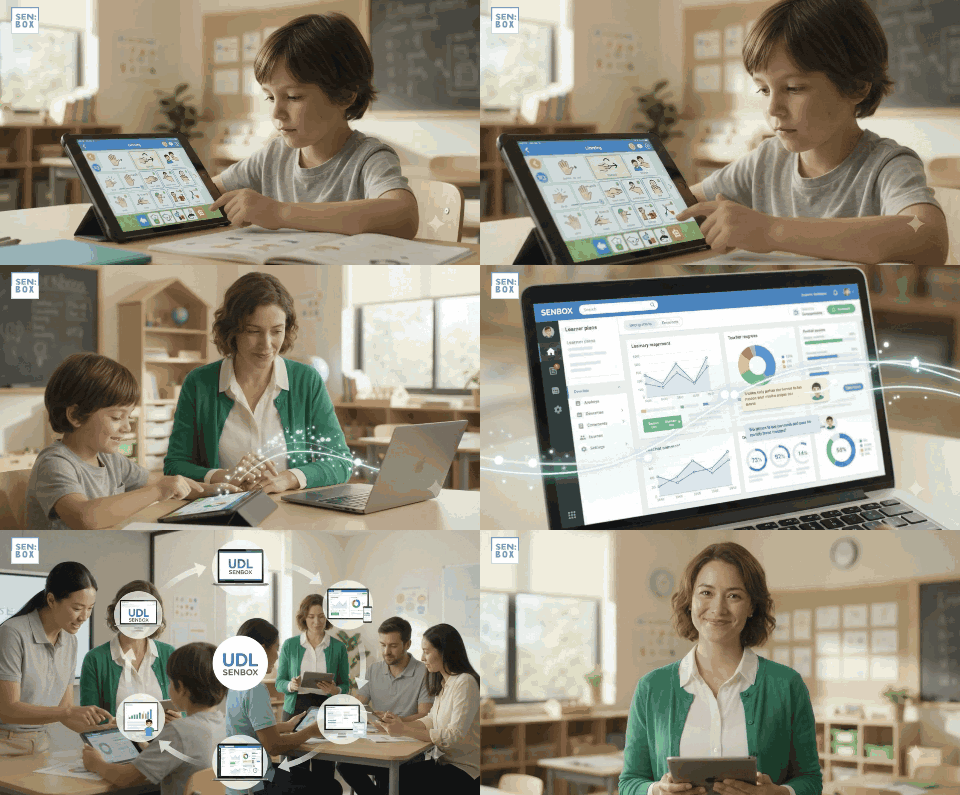
SENBOX connects individual learning plans to accessible teaching—and turns everyday teaching evidence into documented progress. Its strength is how the LMS, UDL/AAC app, resources and reporting work together throughout the clinic day.
Explore the live LMS and app connection →
WHY IT MATTERS
Plans and schedules reach the learning app; learner responses and teacher comments return to the LMS. Communication support becomes part of teaching and evidence collection.
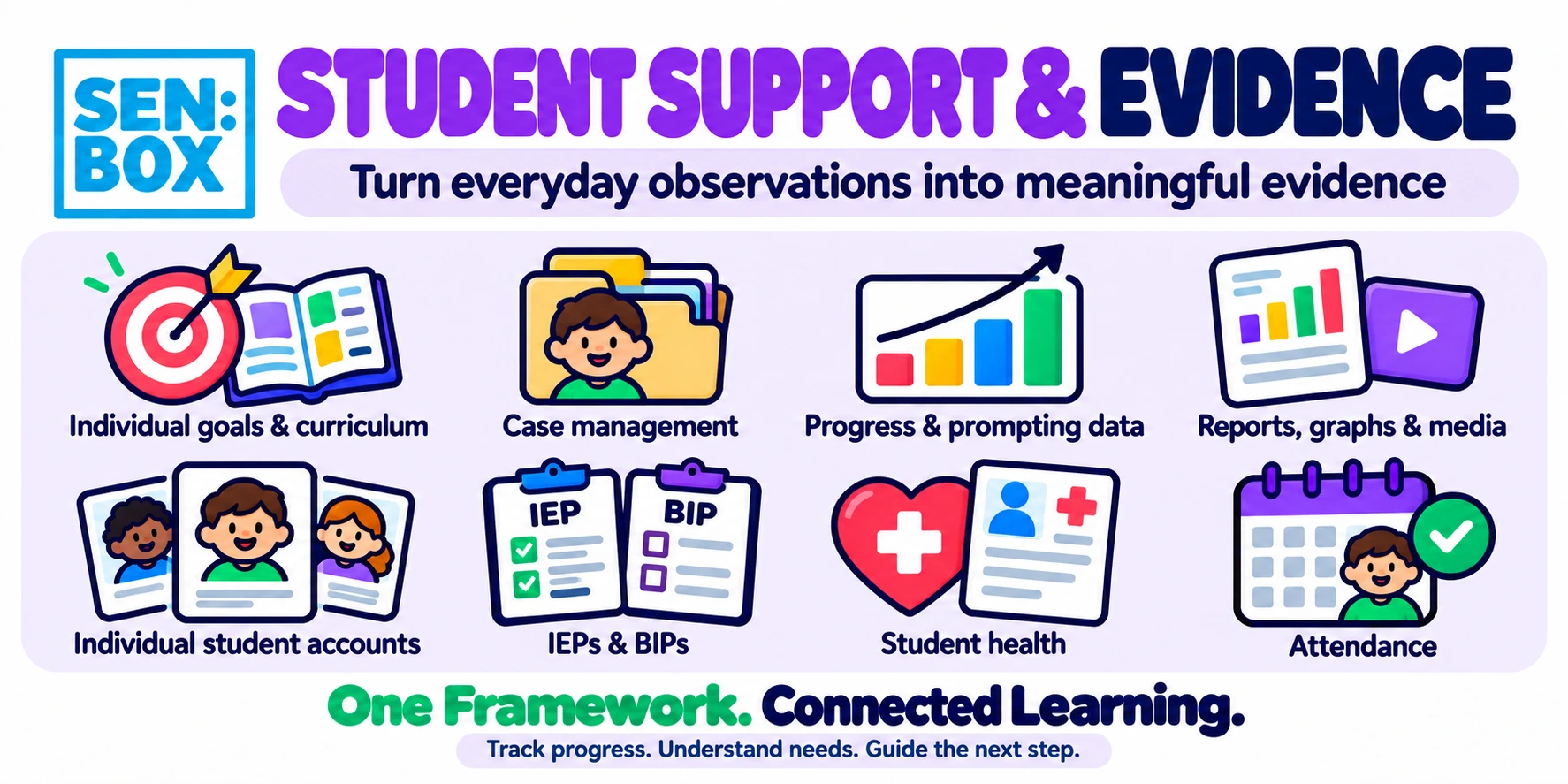
Follow skill development and the assistance a learner needs against individual goals. Recorded teaching evidence feeds automated reports and helps teams decide what to teach next.
WHY IT MATTERS
Recording the assistance a learner needs helps teams assess whether a skill is becoming more independent, alongside academic performance.
Review recorded performance in the activities linked to each goal.
Track the support required and review whether independence is increasing.
Keep comments alongside learning evidence to inform changes to teaching.
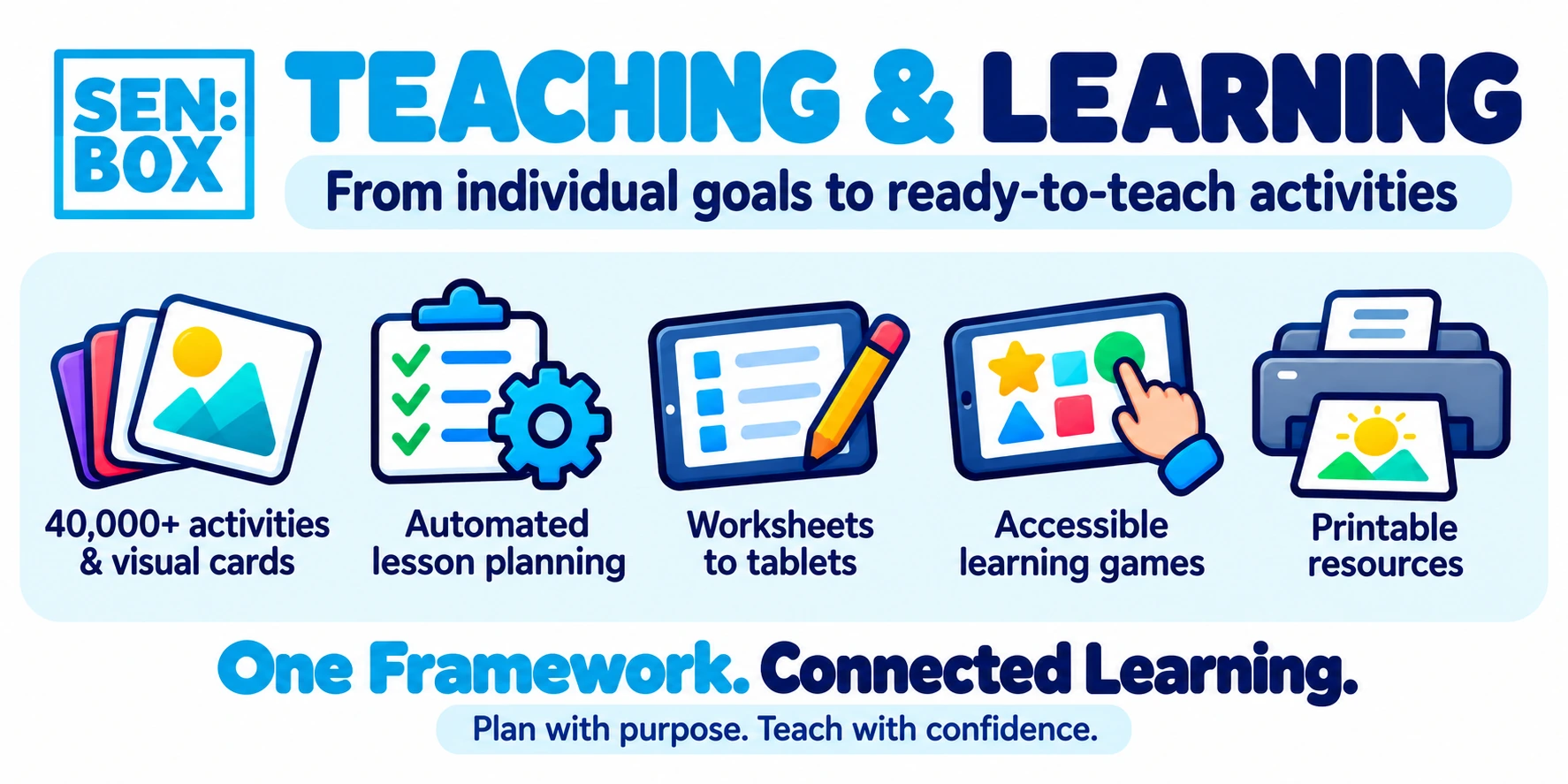
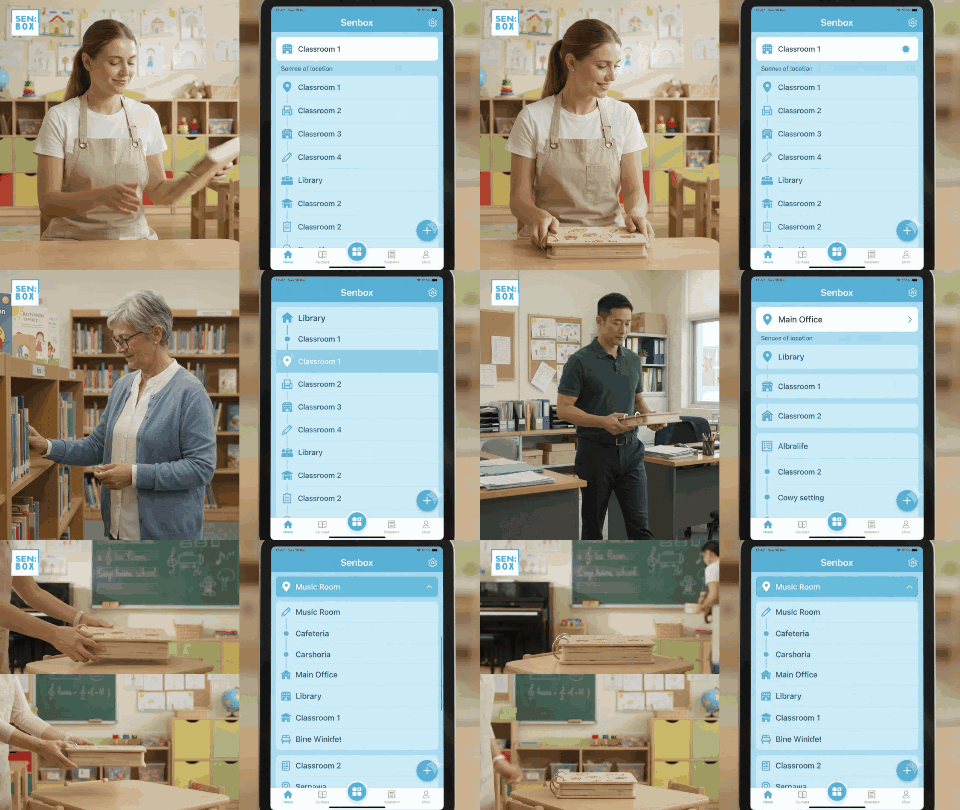
SENBOX connects 40,000 teaching resources with structured teaching steps, instructional videos, and individual learning plans through the LMS. Teachers can access both the materials and guidance for using them within the same system.
WHY IT MATTERS
SENBOX’s 40,000 resources connect with structured teaching steps, instructional videos and individual plans. Teachers receive materials and guidance for using them.
Find the resource, follow the teaching steps, and access instructional videos within the same system, connected to the learner’s individual plan.
Select tasks at an appropriate level for each learner’s current skills and learning goals. The structured resource library supports personalized task selection.
Link individual tasks and learning goals to US Common Core standards and Common Core–linked curricula, or to Singapore, UK, Australian, New Zealand and other curriculum frameworks. This connects personalized instruction with the curriculum your clinic follows.
Explore resources for your educational program
IEPs that fit your setting. Fully customizable IEP layouts can match state, country and clinic document formats, with parent-friendly versions that make goals and support easier to understand. Explore IEP planning →
WHY SENBOX
Founded by educator Mr. Mueller, SENBOX draws on more than 25 years of special education experience across Europe, Australia and Asia.
“SENBOX’s system is more than just an LMS.”
“I was impressed by the quality of instruction I observed and the structure of the programming.”
“The school program is one that should be a model for special schools throughout Vietnam and the rest of the world.”
Agree the services, roles, training and rollout plan for your clinic. Your team keeps its curriculum while SENBOX connects individual plans with teaching and reporting.
WHY IT MATTERS
Reporting draws on daily activities, responses and observations, reducing the work of reconstructing progress afterwards.
Define learner numbers, enabled modules, responsibilities and a rollout schedule in your proposal.
Agree staff preparation, teaching guidance and ongoing support. Staff management and training tools support day-to-day delivery.
Review hosting, role-based access, backups and data handling. Ask for written evidence of current controls and any outstanding verification.
Review security information Clinic implementation details
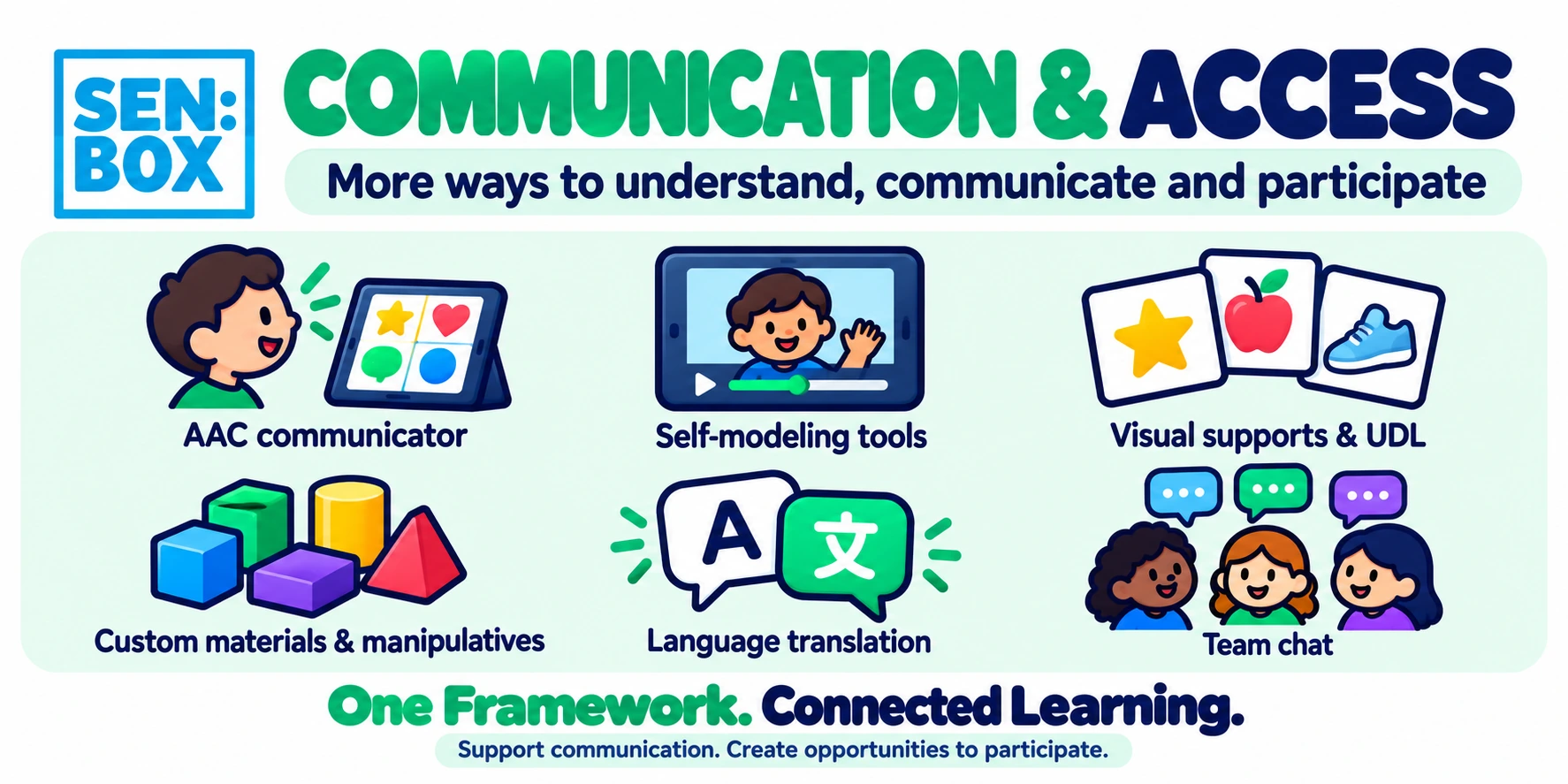
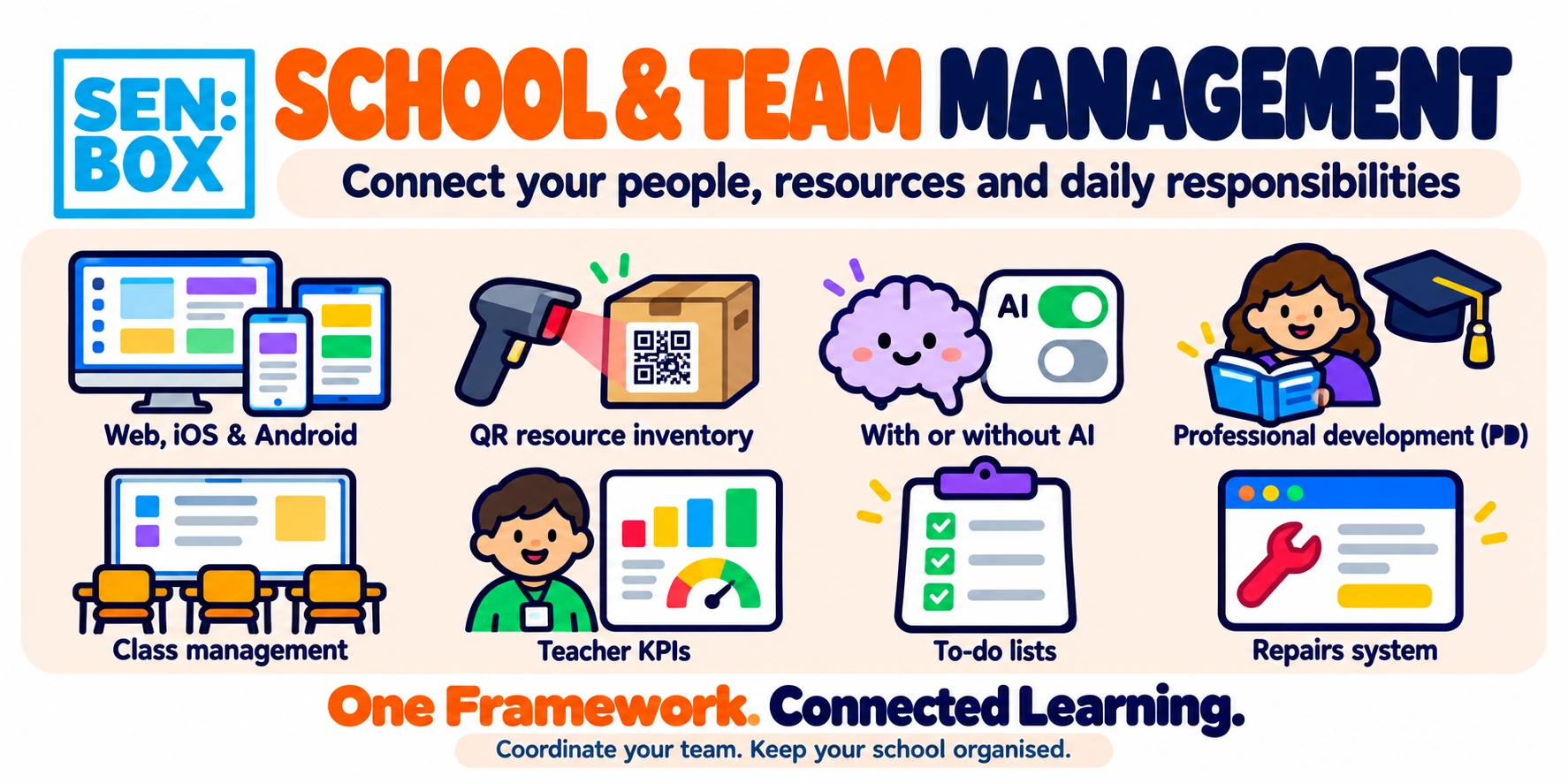
The SENBOX LMS is available in 45 languages, with built-in translation features across all areas and modes. Teams can work in their preferred language, including through live translated chat that supports communication between staff, specialists and families.
SENBOX supports multidisciplinary teams within case management through text and video messages. Teachers, therapists and other specialists can share observations and updates to coordinate support around the learner’s individual goals.
Digital signatures for documents. SENBOX also supports digitally signing documents within the LMS, keeping document signing connected to your team’s workflow.
Status updates and red-flag alerts. Integrated status and red-flag systems alert users to due dates and issues that need attention, helping teams follow up on outstanding tasks and coordinate their response.
SENBOX offers a library of 4,000 professional development articles for teachers and parents, with certificates. Clinics can choose from the library or build their own PD units with videos, tailoring learning to their team’s and families’ needs.
MODULAR BY DESIGN
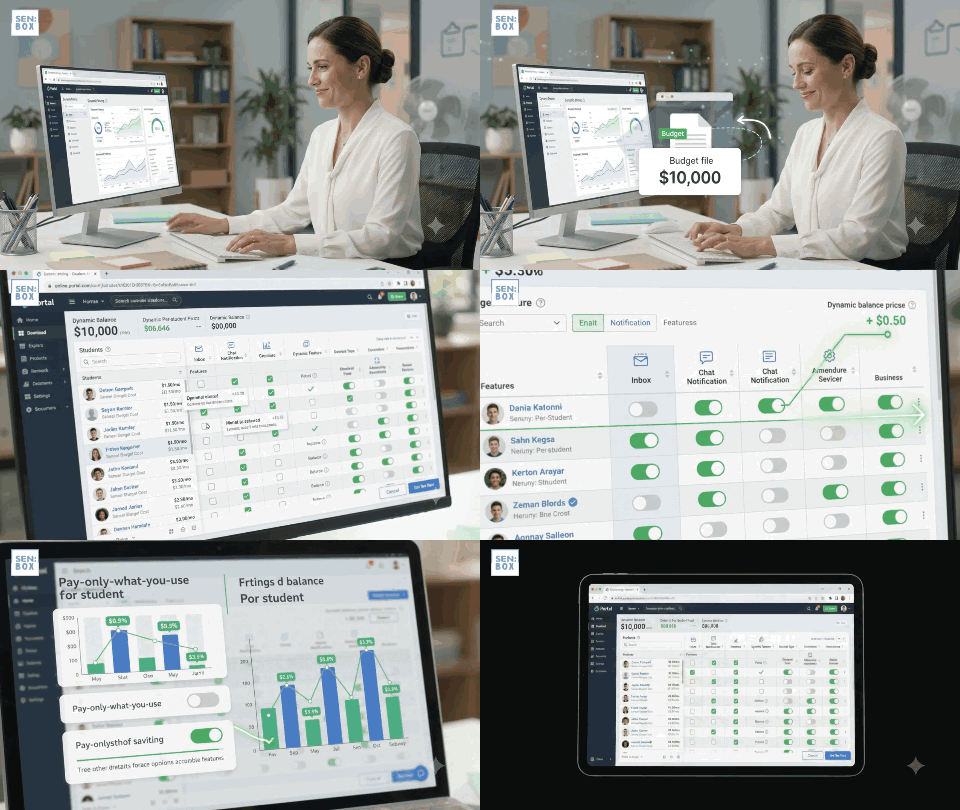
Pay monthly, per user, for each enabled service. Your quote confirms rates, material-inclusion thresholds, training and setup, and any minimum commitment. Handmade production, delivery and replacement items are priced separately.
Explore modular pricingWHY IT MATTERS
App activities, printable resources and handmade materials support different ways of working towards the same learning goals.
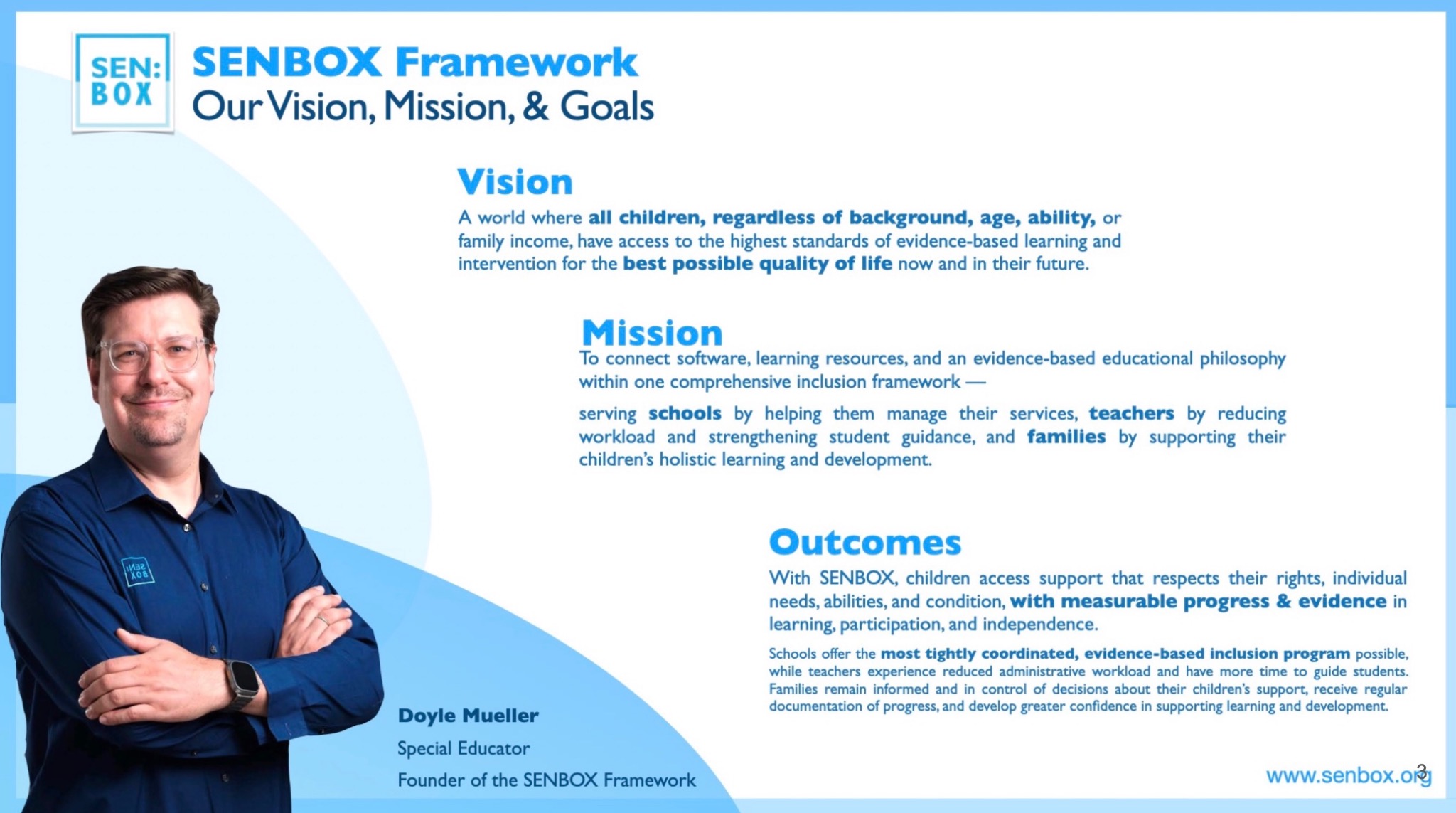
“A world where all children, regardless of background, age, ability, or family income, have access to the highest standards of evidence-based learning and intervention for the best possible quality of life now and in their future.”
Doyle Mueller · Founder of the SENBOX Framework
No. Individual tasks and goals can link to US Common Core standards and Common Core–linked curricula, Singapore, UK, Australian, New Zealand and other curriculum frameworks.
Your agreed subscription provides selected software services for specified users. Confirm teaching resources, staff training, onboarding, support and physical materials in your itemized proposal.
No. Reports can draw on recorded activities, learner responses and teacher comments without AI.
Request a demonstration focused on your clinic’s goals. Review the current modules, reporting workflow, security documentation and an itemized quote before agreeing a rollout or pilot.

 1. Individual goal
 2. Scheduled lesson
 3. Accessible activity